
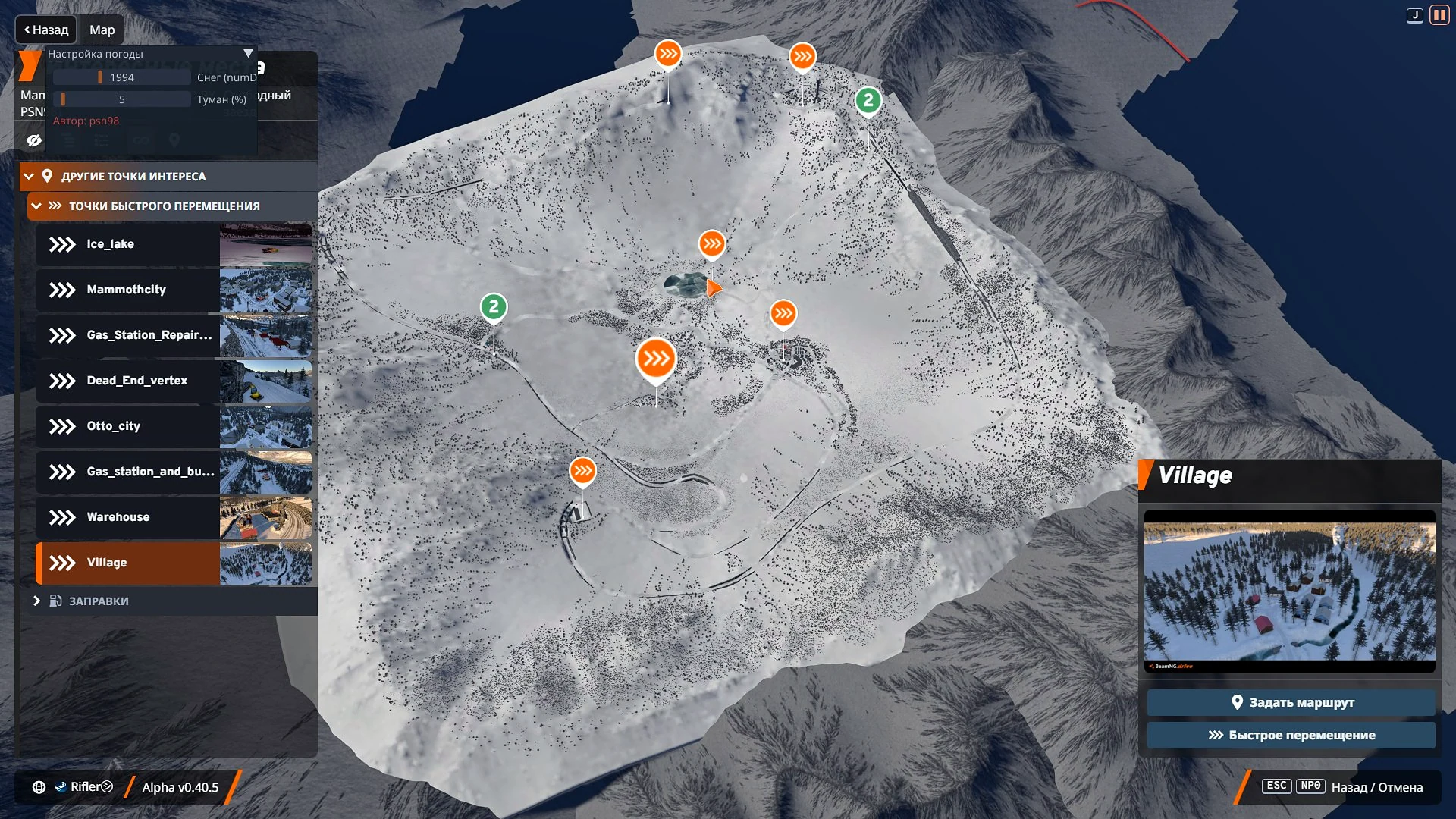
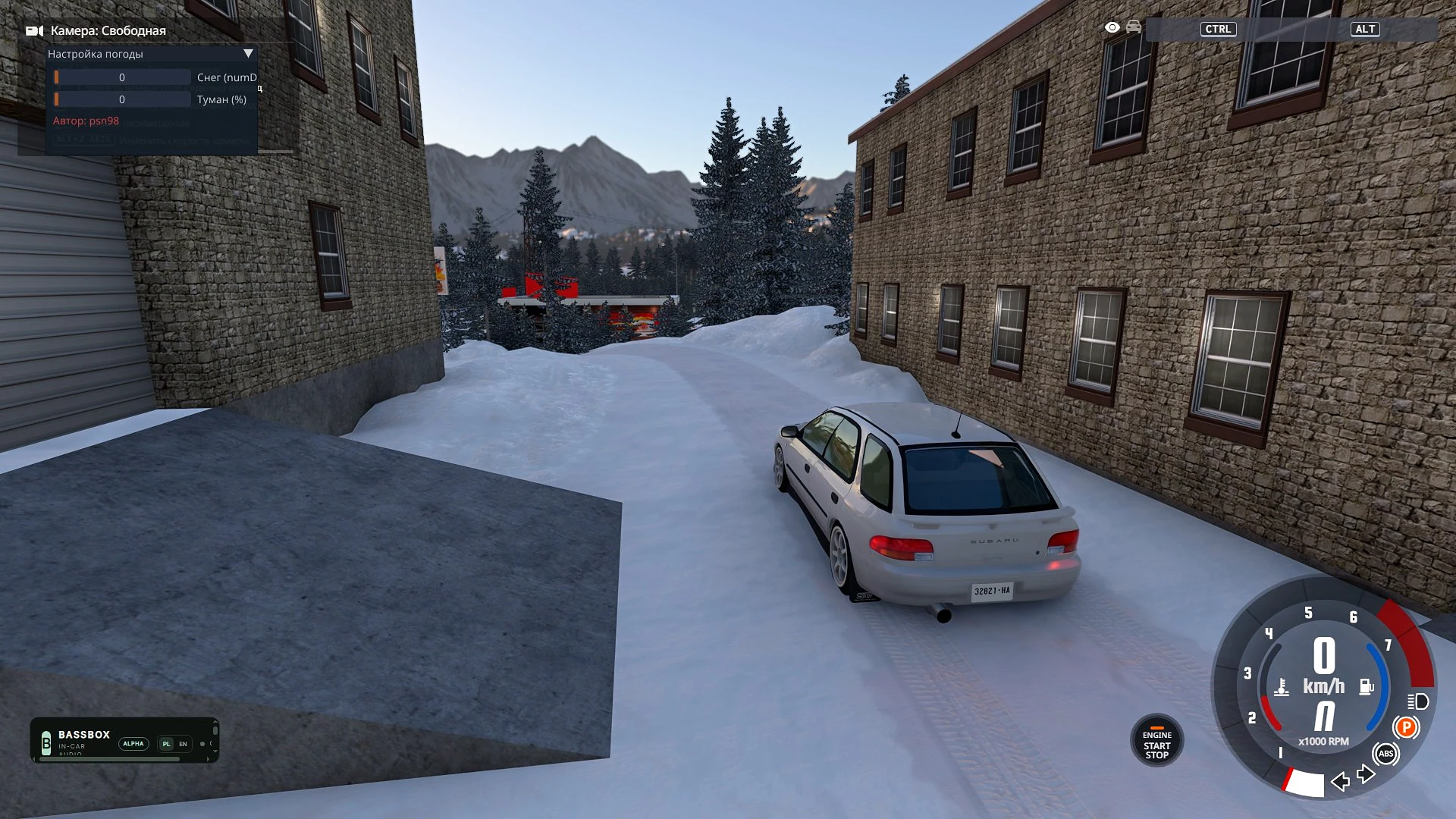
Mammoth Valley
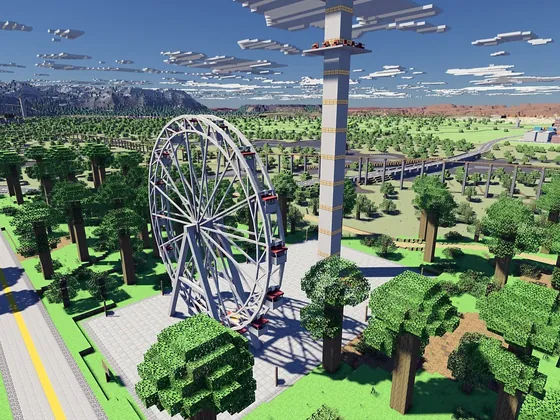
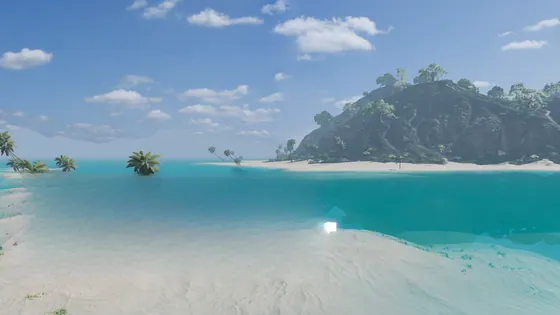
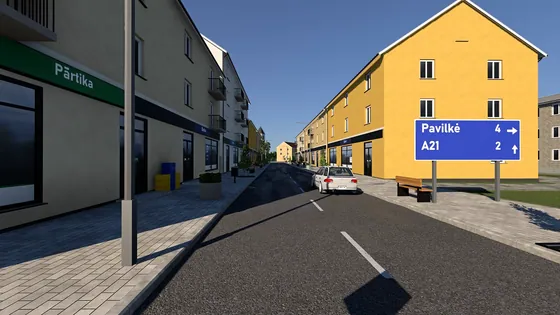
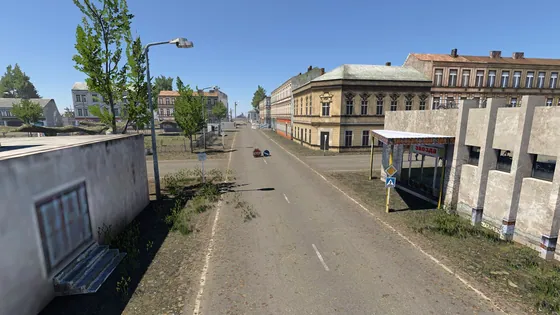
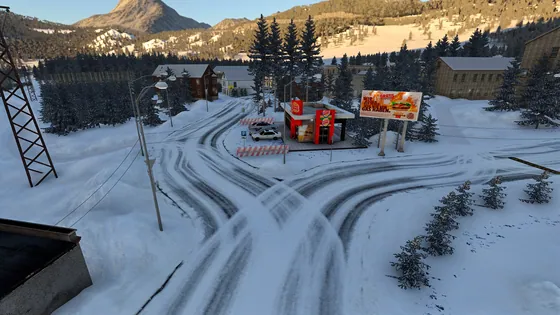
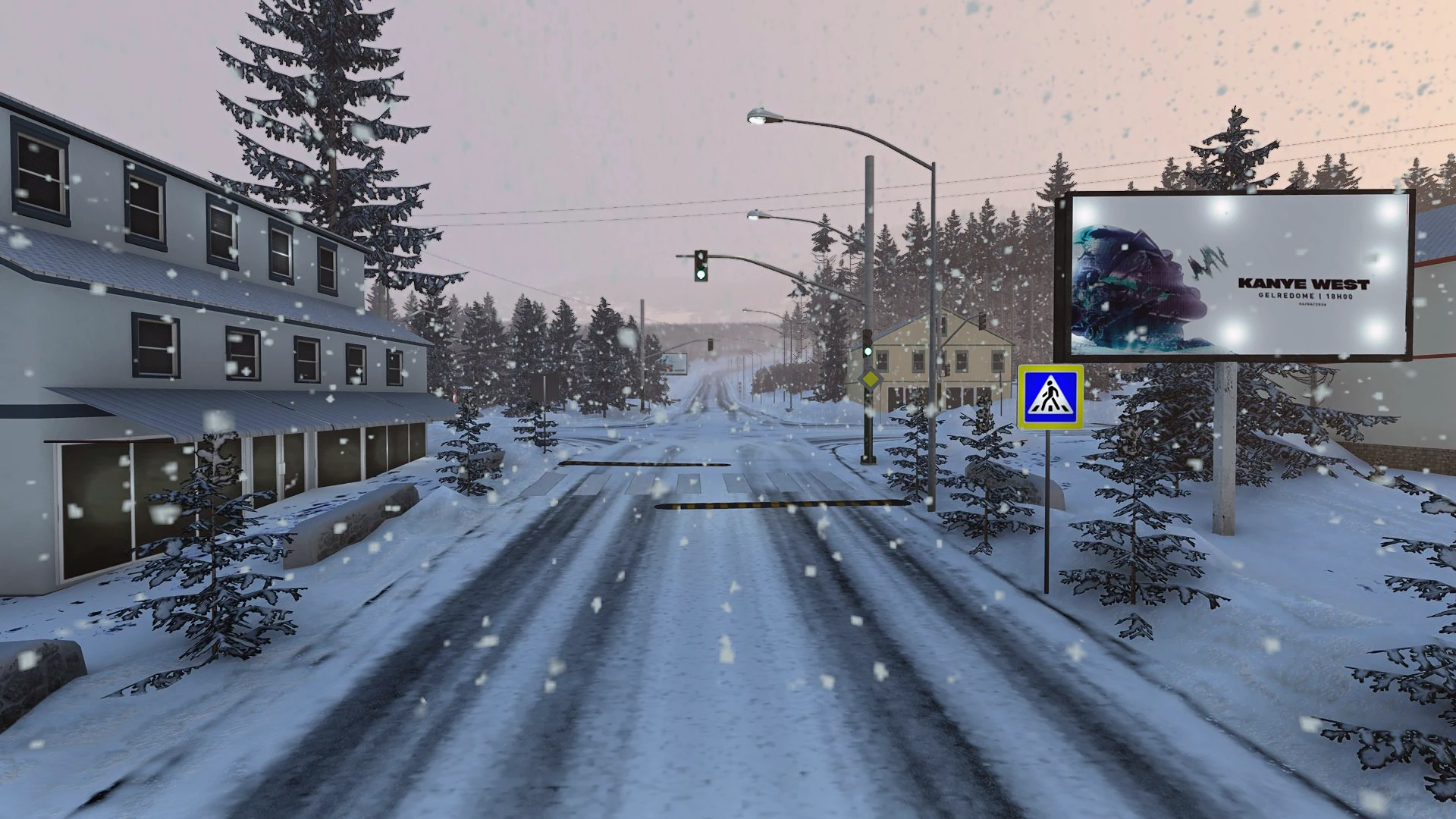
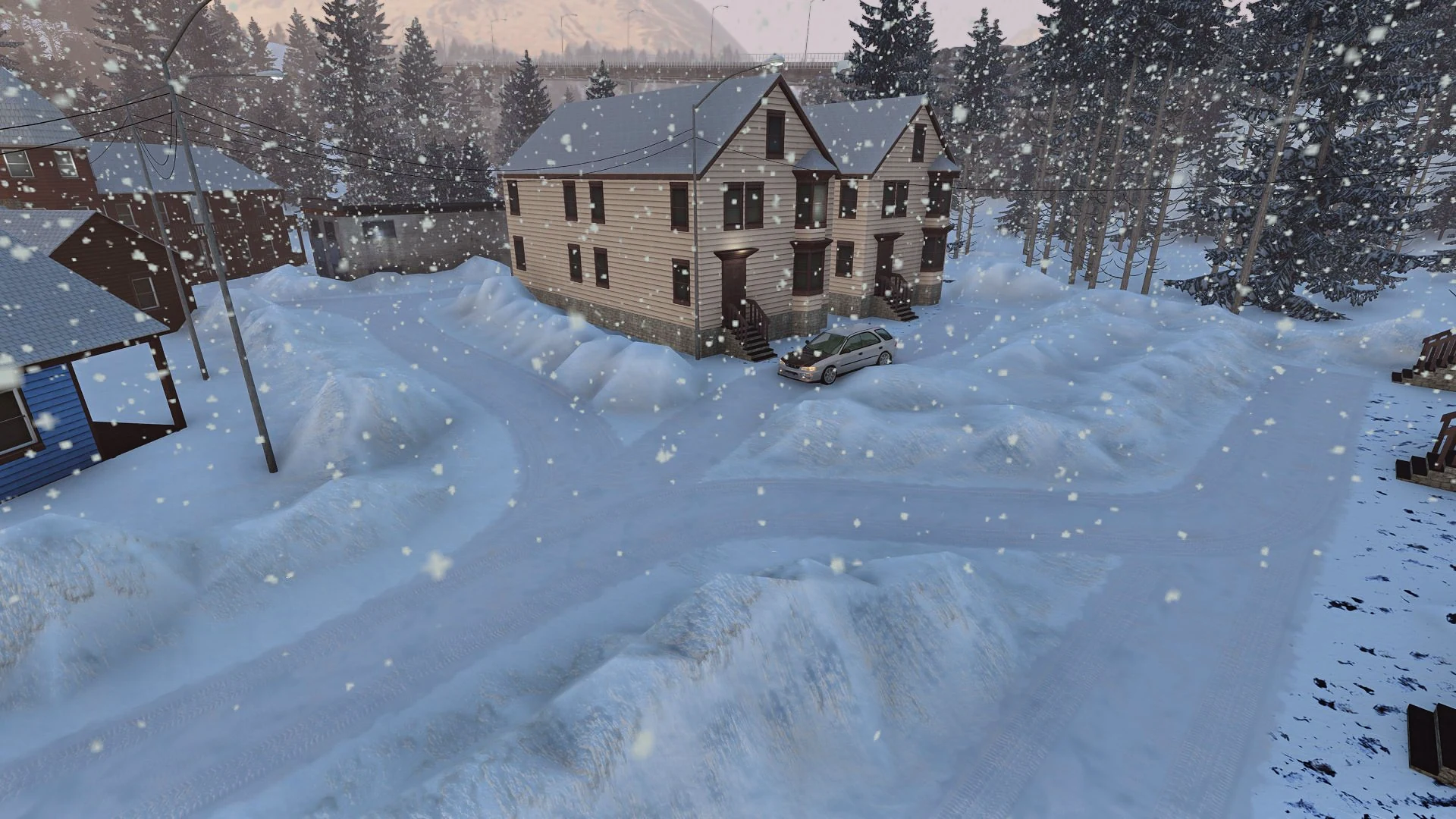
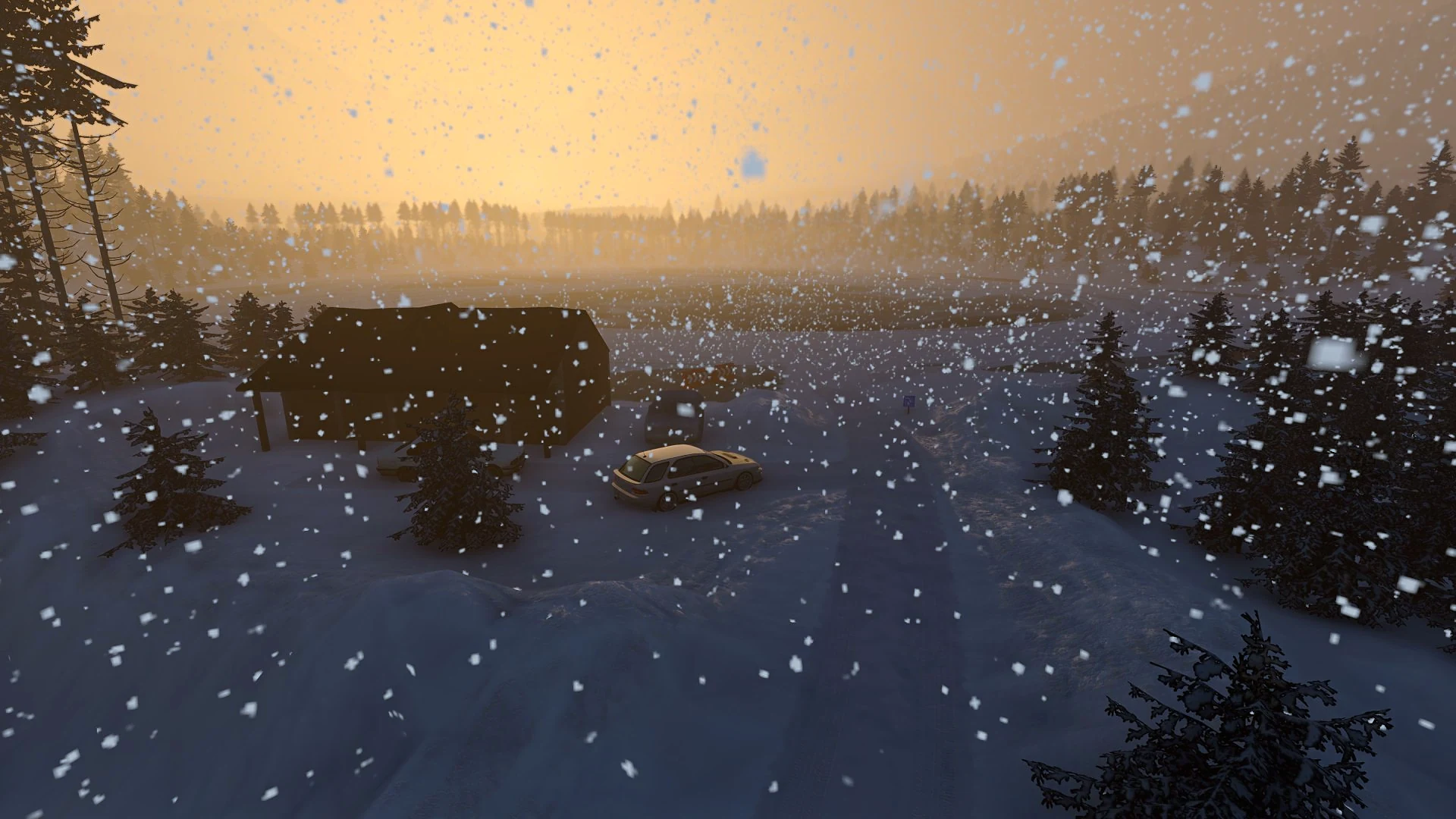
Mammoth Valley is a winter-themed map for BeamNG.drive featuring dynamic weather controls and functional traffic lights.
What's inside
- Automatic weather control panel for snow and fog upon game entry
- Reduced archive size with snow mode removed
- Functional traffic lights at three intersections that affect traffic behavior
Versions
| 1.0Latest | 2026-11-16 | 477 MB | Download |
How to install
- Download the
.ziparchive without unpacking it. - Open the BeamNG.drive Launcher → Manage User Folder → Open in Explorer and open
mods(AppData\Local\BeamNG\BeamNG.drive\current\mods). - Drop the
.zipfile intomods. - Launch BeamNG.drive 0.40, open Freeroam and pick Mammoth Valley.
Mod not showing up or No Texture? Read the full install guide →
Credits
Made by the original author of this mod. All rights belong to them.
Report this mod. If you are the author and want it removed, we take it down quickly.